The Admin section allows Prophecy users (who are a member of the Administrators role) to do administrative tasks, such as change Prophecy configuration options, import and export Prophecy objects, set user roles and permissions, etc.
Each admin area is reached by choosing Admin from the main dropdown menu in the top bar, and then clicking on the link in the left nav (or slideout nav, on a mobile device):
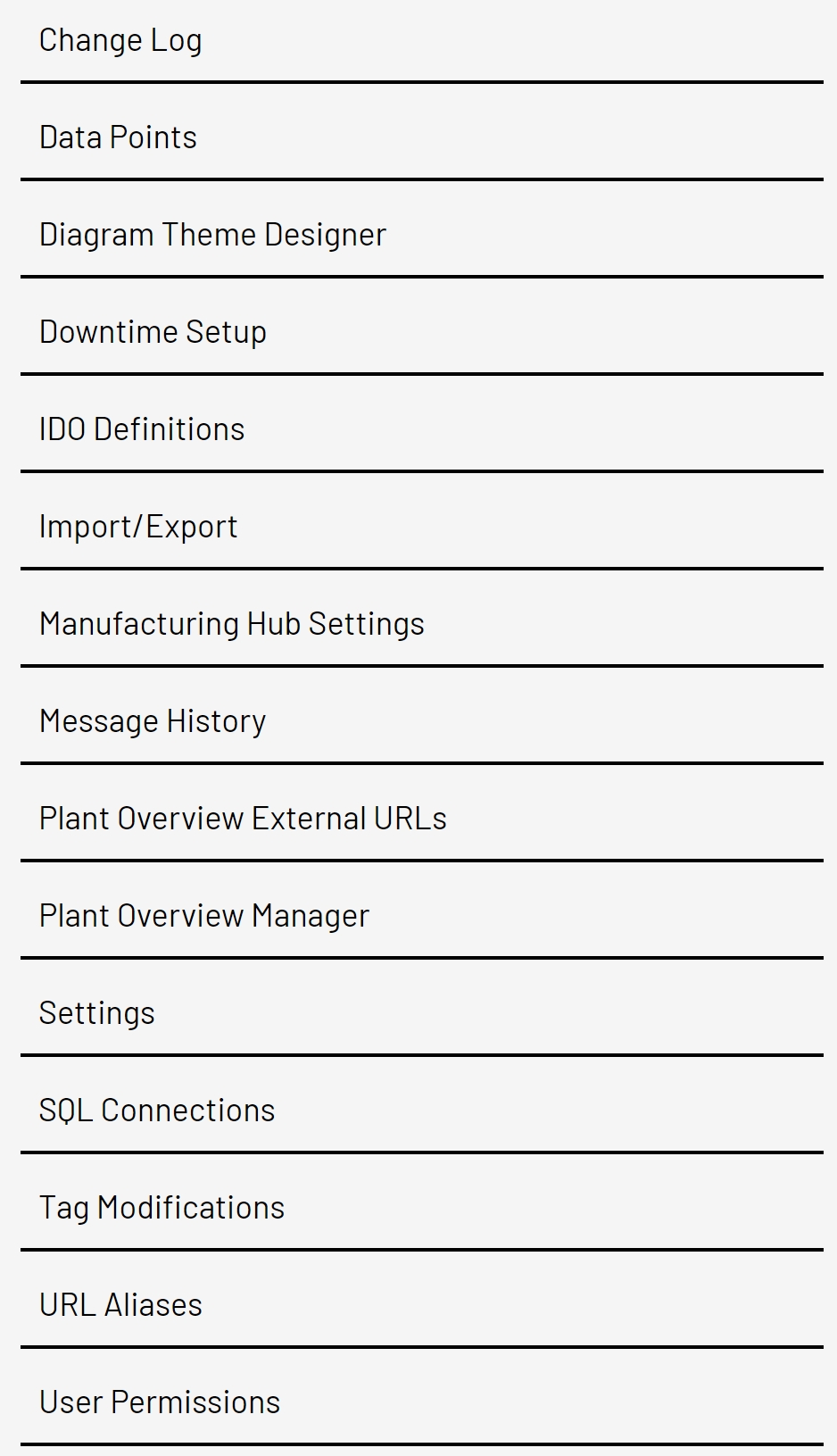
Below are links to documentation for each admin page: