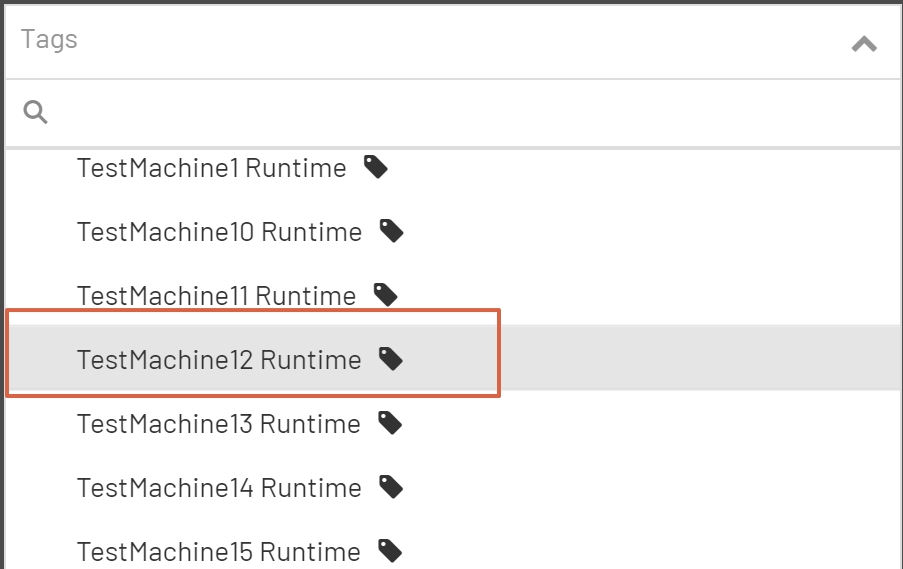
The Tag Tree is a graphical representation of the grouping and sub grouping of all the tags in the ProphecyIoT installation. Groups and subgroups in the Tag Tree are displayed with an upside down triangle to the left of the group name and a folder icon to the right of the group name. Tags are right indented and displayed with a tag icon to the right of the tag name. All items in the Tag Tree are sub items of the ProphecyIoT group. This is the main group in all ProphecyIoT installations. All tags, groups, and subgroups added through the user interface will be placed inside of this group.
Searching Tags and Groups
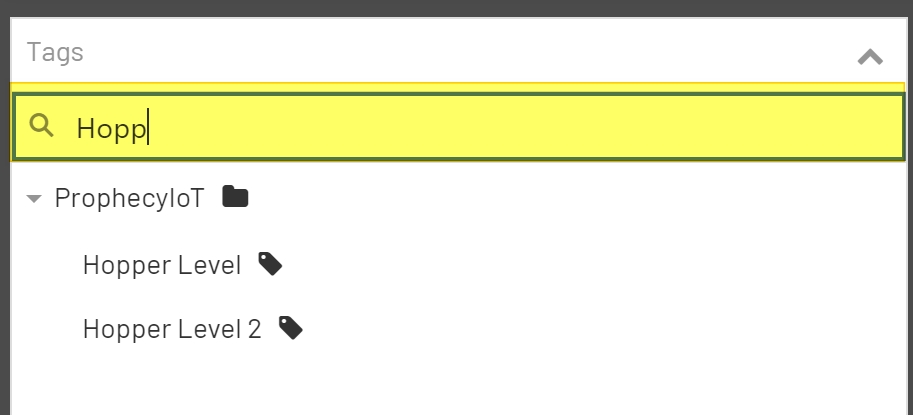
All Tag Groups and Tags in the Tag Tree are searchable. To search Groups and Tags, simply start typing in the 'Search Box' at the top of the Tag Tree. The search will automatically start filtering the list with every key stroke. To show the complete list, simply remove all text from the 'Search Box'.
Selecting Groups
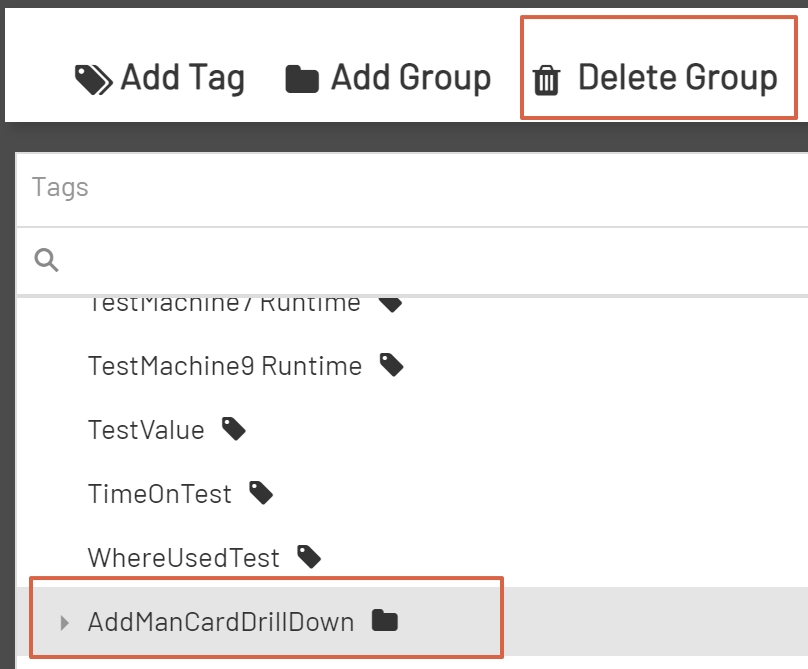
To select a group, find the group in the Tag Tree and click on the group name. This will highlight the selected group. Highlighting a group will enable the Delete Group Button in the Top Menu Bar. The Delete Group Button will not be visible in the Top Menu Bar until a group selection has been made.
Note: For more information on deleting groups, please reference the Delete Groups section of the documentation.
Selecting Tags
To select a tag, find the tag in the Tag Tree and click on the tag name. Clicking on the tag name will highlight the tag and enable all of the configurable properties of the tag in the Tag Editor.