Entities are the individual items that are managed in Enterprise Explorer. The different types are listed below, but it's important to remember that with a few exceptions, the entity type names are largely just labels. If your organization has no need to represent physical areas and assets in the tree, for example, they could just as easily be used to represent departments and employees, or projects and deliverables. The fields when creating the entities might not make much sense in those cases, but the names and hierarchical representation in the tree can still be helpful.
There are rules that govern how entities can be related to each other and which actions can be performed upon them. Within those rules, any user with the correct permissions can organize the hierarchy as needed, with the exception of the 'Data Automation' group. That group and the ones under it are used to organize more complex entity types, most of which are created and maintained elsewhere: Aggregations, Dashboards, and Diagrams. While these entities can be linked elsewhere in the tree, the 'main' entity always resides in sub-groups under this group.
Corporations
The corporation is the base of the hierarchy in Enterprise Explorer. The name should have been set during your installation and it displays at the top of the left nav. Clicking that name takes you to a list of your top-level entities and allows you to add more. Currently only a single corporation is allowed per install.
Aggregations
Aggregations are complex rule structures that use tag data to log information for use in dashboards and outside of the application. They are visible in their group under Data Automation, but cannot have any changes made there. They are covered here.
Areas
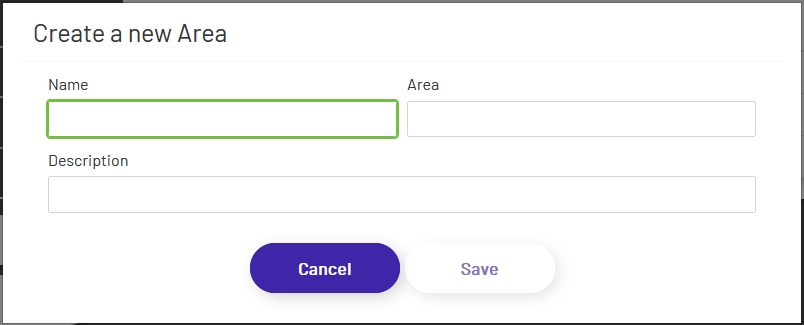
Areas are meant to represent physical space within a building, such as an assembly line or workstation. The 'Area' field when creating one is optional, and is meant to represent square footage of the area being created.
Assets
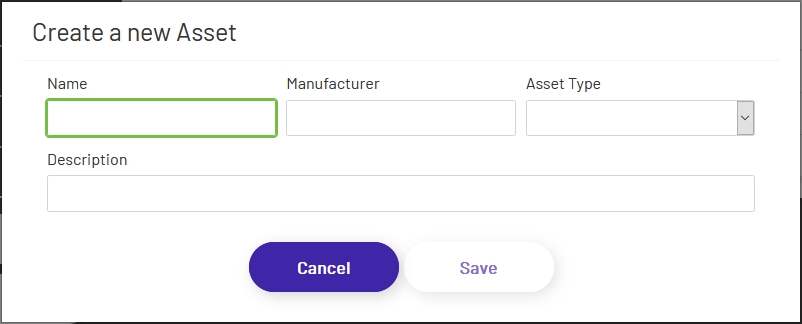
Assets represent individual items (physical, personnel, digital, etc) and can be created at almost every level of the tree. The 'Asset Type' dropdown allows you to select from a large list of types of plant machinery, but isn't used for anything other than display, so if your option isn't in the list you can just choose 'Other' without it hurting anything.
Buildings
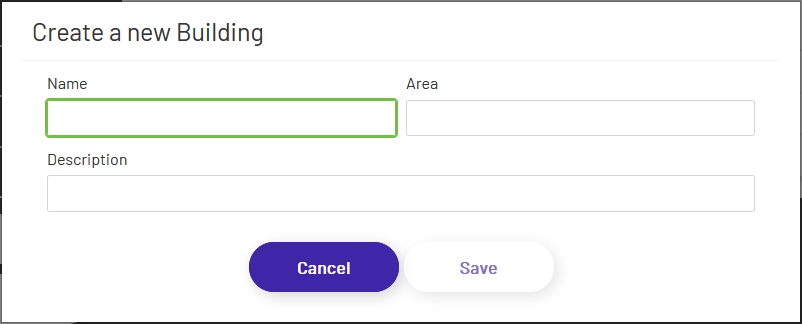
Buildings are meant to represent physical locations. The 'Area' field when creating one is optional, and is meant to represent square footage of the building being created.
Dashboards
Dashboards are graphical representations of corporate data. They are often generated by data output by aggregations, though other sources can be used as well. They can be viewed in Enterprise Explorer in their group under Data Automation, but creating or editing one will take the user to another page. More information can be found here.
Diagrams
Diagrams are graphical representations of corporate resources - physical plant, workflows, personnel, etc. They can also be used to create basic HMIs. They can be viewed in Enterprise Explorer in their group under Data Automation, but creating or editing one will take the user to another page. They are covered in more detail here.
Groups
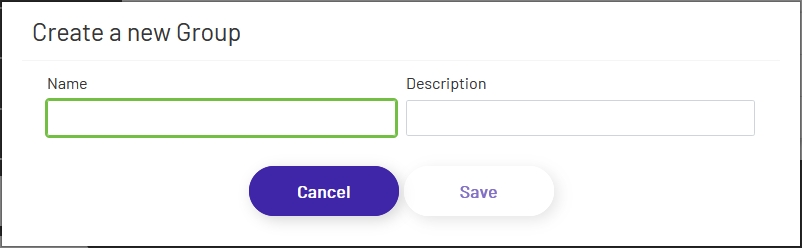
Groups are the simplest entity type and can be created under almost all other entity types. They serve as organizational elements only, so they can be used wherever additional grouping is needed within your hierarchy.