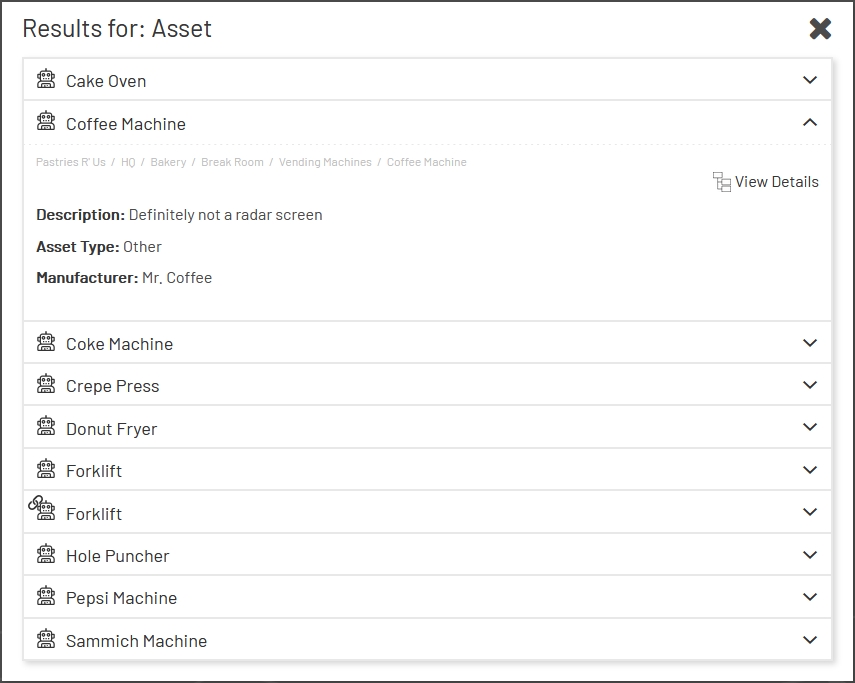
The search and filter options below the left nav in Enterprise Explorer allow the user to quickly find desired entities. Note that the filters are always applied to the entire hierarchy, not just the entity currently being viewed.
Each entity in the filtered list shows some basic details and a full breadcrumb, to show where it can be found in the hierarchy. Clicking "View Details" will jump the user to that entity in the normal view.