After launching Shop Floor Pro and selecting a 'Workstation' the employee will then be presented with either an option to enter an employee Id or will be taken directly to the main Shop Floor Pro page. The previous options are dependent on how the Workstation has been configured. Shop Floor Pro currently offers the two setup options below:
-
Kiosk: Kiosk mode is meant for work areas that will have multiple users entering transactions on a single 'Workstation'. Kiosk mode will require an employee Id per transaction and will log the employee out after each transaction.
-
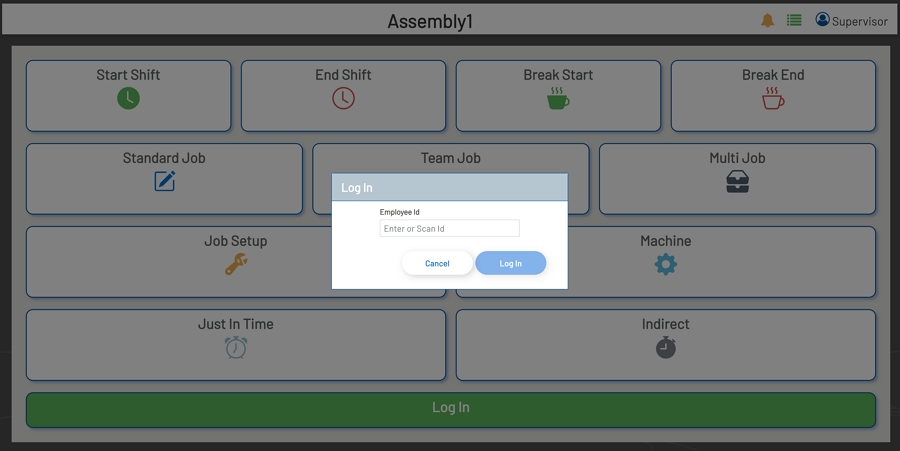
User: User mode is meant for scenarios where a single employee will be transacting at the same 'Workstation' for the duration of the shift. Once logged in, the employee Id will be retained, and the employee will be allowed to enter transactions without being prompted for an employee Id, unless the employee has logged out. In this mode, the active transaction will remain open to allow more streamlined transaction processing.
Log in Prompt - User Mode
These Modes can be set in the Admin Section by any user that has Admin privileges in Prophecy.