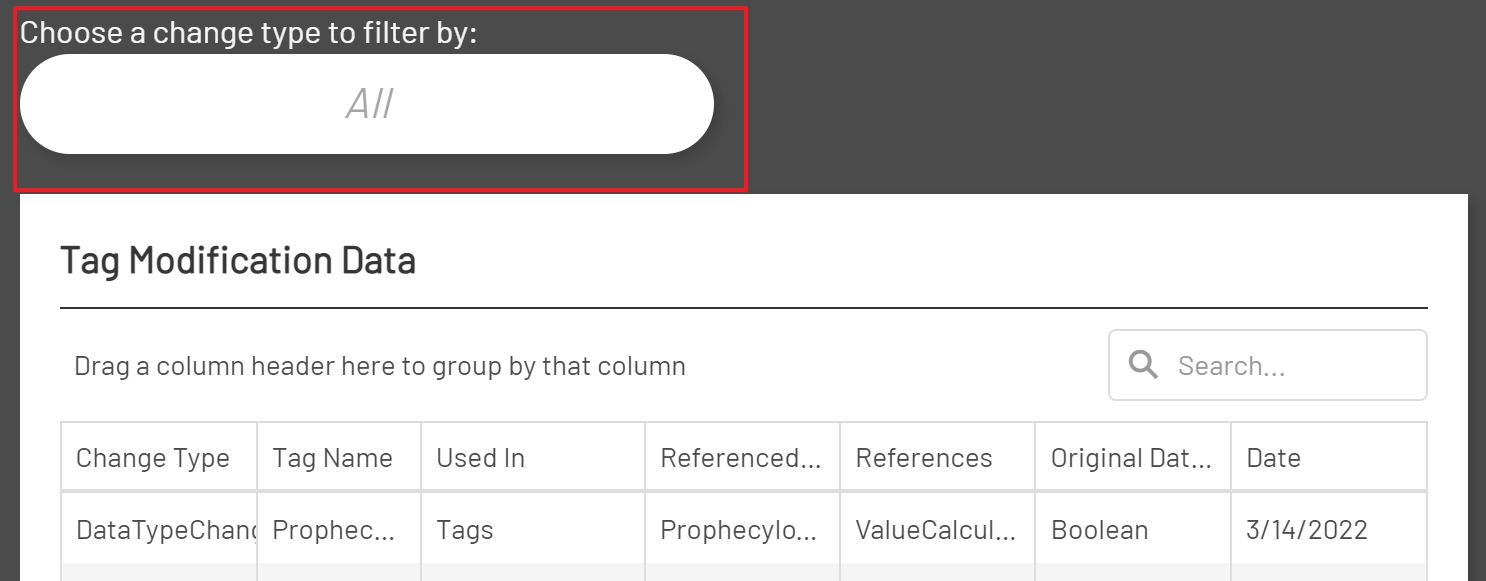
Tags can be used in multiple places throughout Prophecy as well as references in other tags. Deleting a tag or changing the data type of a tag can potentially create problems in parts of the Prophecy application. When editing a tags data type or deleting an existing tag, a reference check is done in Tag Manager and a warning is displayed if the tag has references. There may be times when then warning was ignored or thought to be of no consequence but found to be a problem later. Fortunately, these changes are logged and saved so that they can be reviewed at a later point in time.
Tag Modification Fields
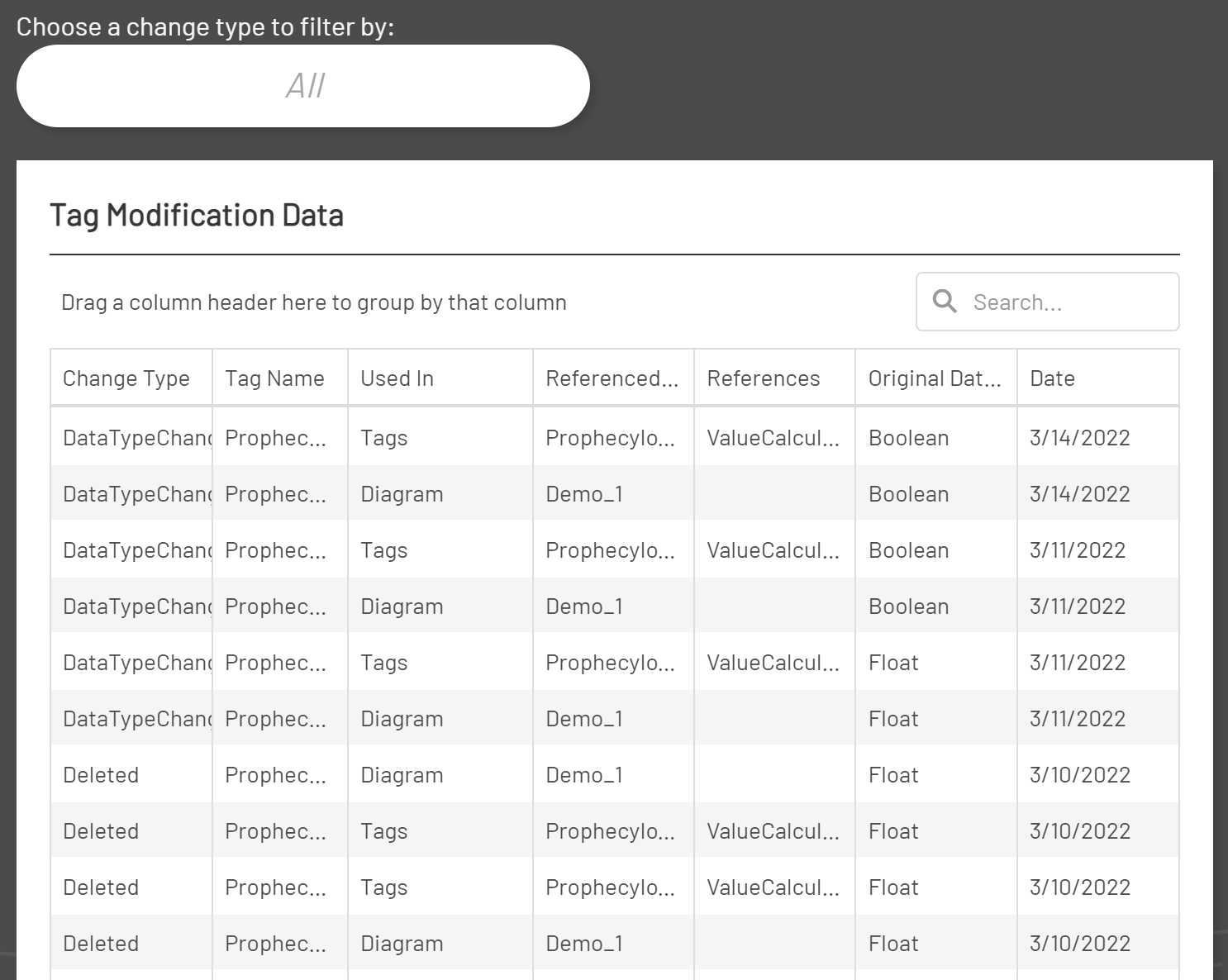
By default, the ‘Tag Modifications Grid’ displays all tag deletions and tag data type changes. The ‘Tag Modifications Grid’ contains the following fields:
- Change Type – the type of change that was logged for the tag. This will either be ‘DataTypeChanged’ or ‘Deleted’.
- Tag Name – the name of the tag that was modified. The tag name will appear once for each object type that the tag was or is 'Used In'.
- Used In – the object type that the tag was or is 'Used In'. A tag can be 'Used In' Tags, Diagrams, Aggregations, 'Data Logging', 'Data Logging databases', 'Recipes', 'Recipe databases', 'Reports', 'Alarm Notifications', and 'Alarm Logs'.
- Referenced In - the name of the object where the tag was or is 'Referenced In'. For example, the name of all the tags or diagrams that a changed tag was 'Referenced In'.
- References - this field displays the field of the object where the tag was or is used. For example, a deleted tag could have been referenced in another tag's ValueCalculation. This field is not populated for Diagrams or Aggregations.
- Original Data Type - this is the original data type of the modified tag. For deletions this is simply the deleted tag's data type.
- Date - this is the date the tag was modified.
Filtering Results
By default the Grid will display all tag modification types. The Grid can be filtered for by each modfication type by selecting a modification type from the 'Modification Types Dropdown'.