Manufacturing Hub allows supervisors to send Alerts to individual Workstations as well as all Workstations at once. This creates a great way for supervisors to alert employees without the need to travel around the production floor.
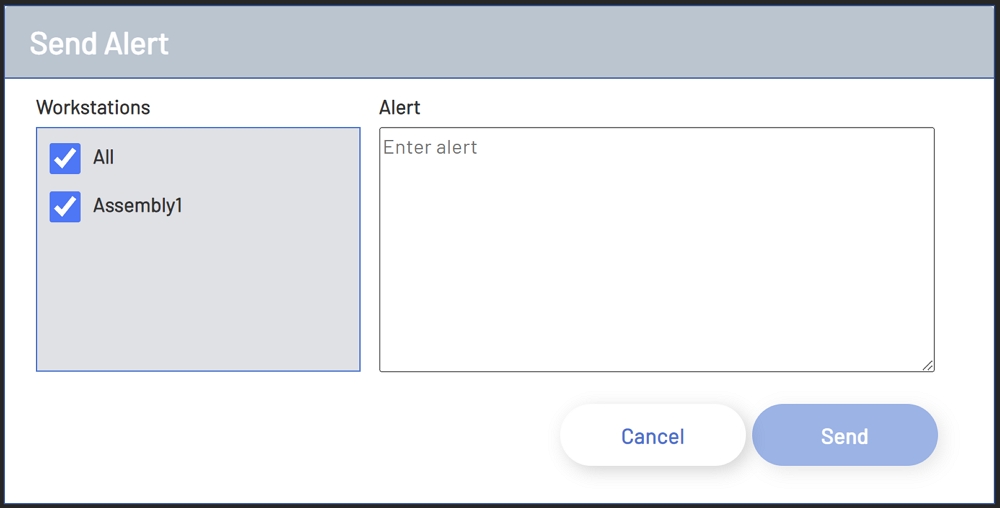
To Send an Alert, select the Send Alert option from the Supervisor Menu. After selecting the Send Alert option, another window will open. On the left-hand side of this window is a list of all Workstations as well as an All option at the top. Each Workstation will have a checkbox next to it to allow selection. The right-hand side of the window will have an area to enter a message.
To send an Alert, select a Workstation by checking the box next to it, or check the All checkbox to send an Alert to all Workstations. Next, enter the message to send and then click the Send button at the bottom right of the window. This button will not be enabled until at least one Workstation has been selected and a message has been entered.
Send Alert
NOTE: This page requires either admin access or the assignment of the Supervisor role in Manufacturing Hub.