The Data Type Manager helps users organize and manage data types used in Tag Manager. These types provide a way to describe the data provided through tags, making it easier for machines to interpret. The Data Type Manager allows users to view simple types and custom types (or objects), which represent real-world things through collections of properties. This tool also includes features to check incoming data streams, ensuring that the data is correct before connecting it to a tag in Prophecy. This allows us to make data more understandable and reliable for the system.
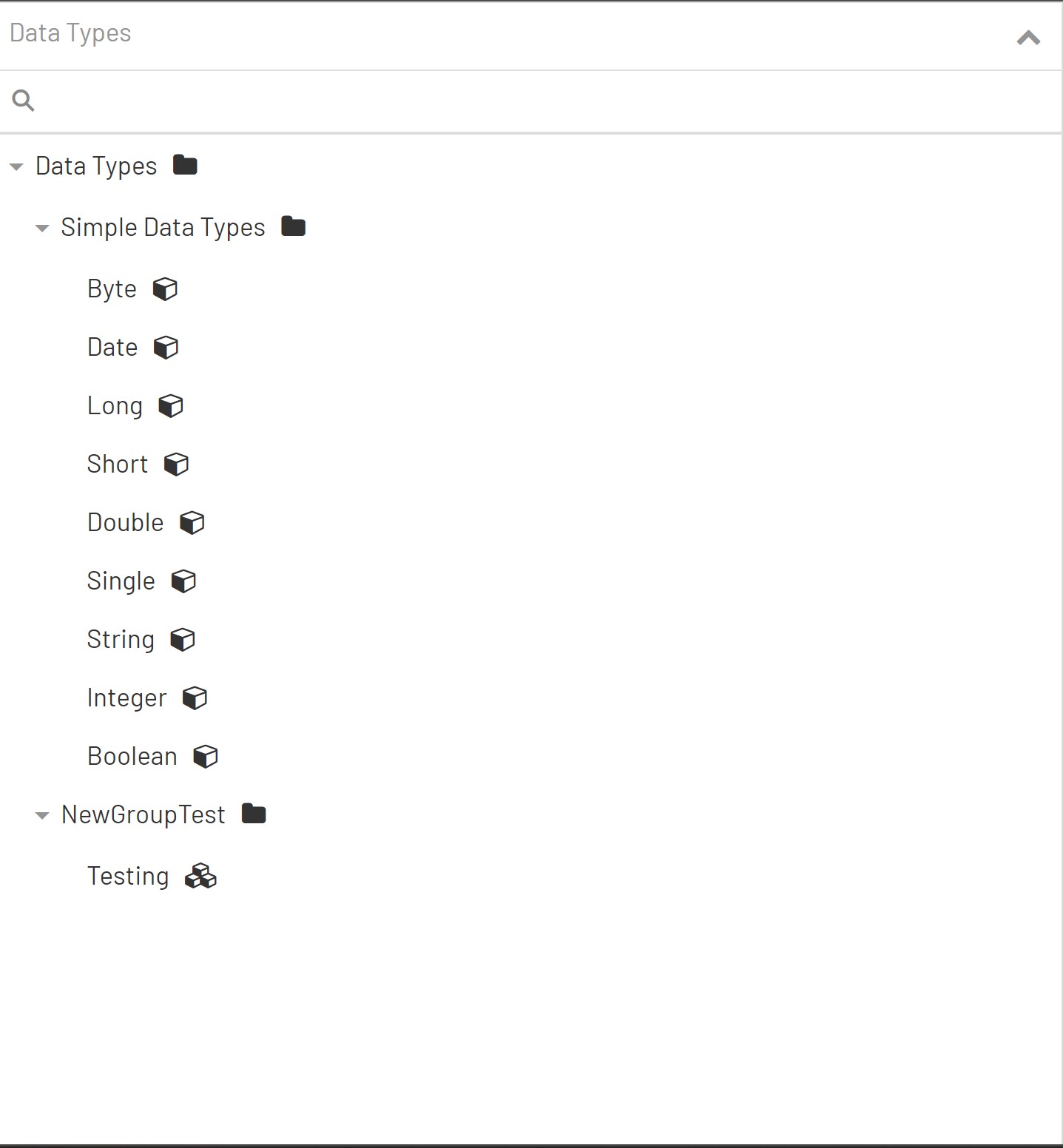
When Prophecy is freshly installed, upon navigating to the Data Type Manager, you should see a screen that allows you to create, update or delete custom data types as well as a predefined list of simple types. These simple types are what makes up our custom types. For this reason, simple types can not be changed and are immutable within any prophecy installation since we require that all custom type properties be one of the predefined simple types.
The Data Type Manager is constructed of the main areas below.
- Top Menu Bar: The Top Menu Bar is where the functions to Add Data Types, Add Groups, Select Data Types To Delete is located.

- Data Type Tree: The Data Type Tree is a graphical representation of the grouping and subgrouping of all the data types in your installation
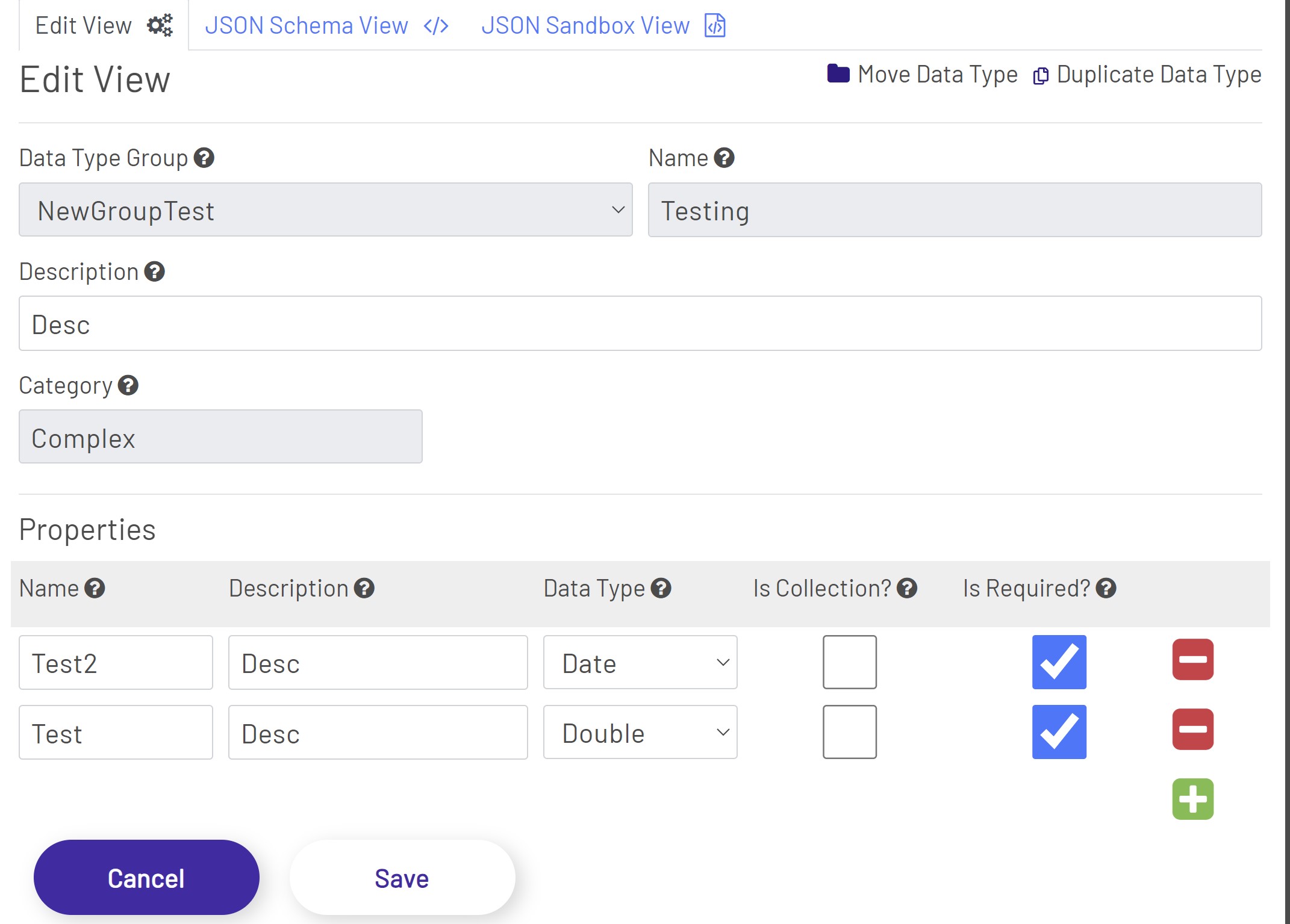
- Data Type Editor: The Data Type Editor contains all the fields that can be set for a data type in Prophecy as well as a section to view the json schema associated with the data type and a JSON sandbox view that allows you to test if your JSON data is valid for the defined data type.