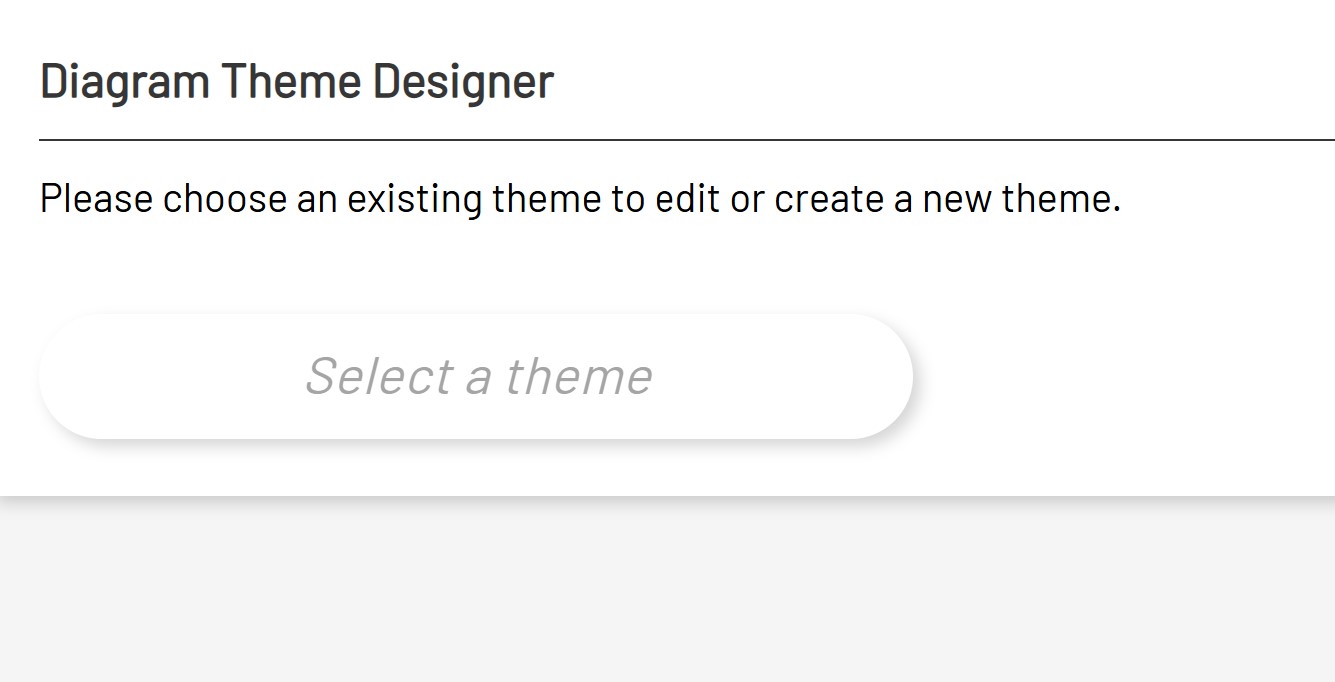
To create a new theme, select the Create New Theme button on the diagram theme designer page.
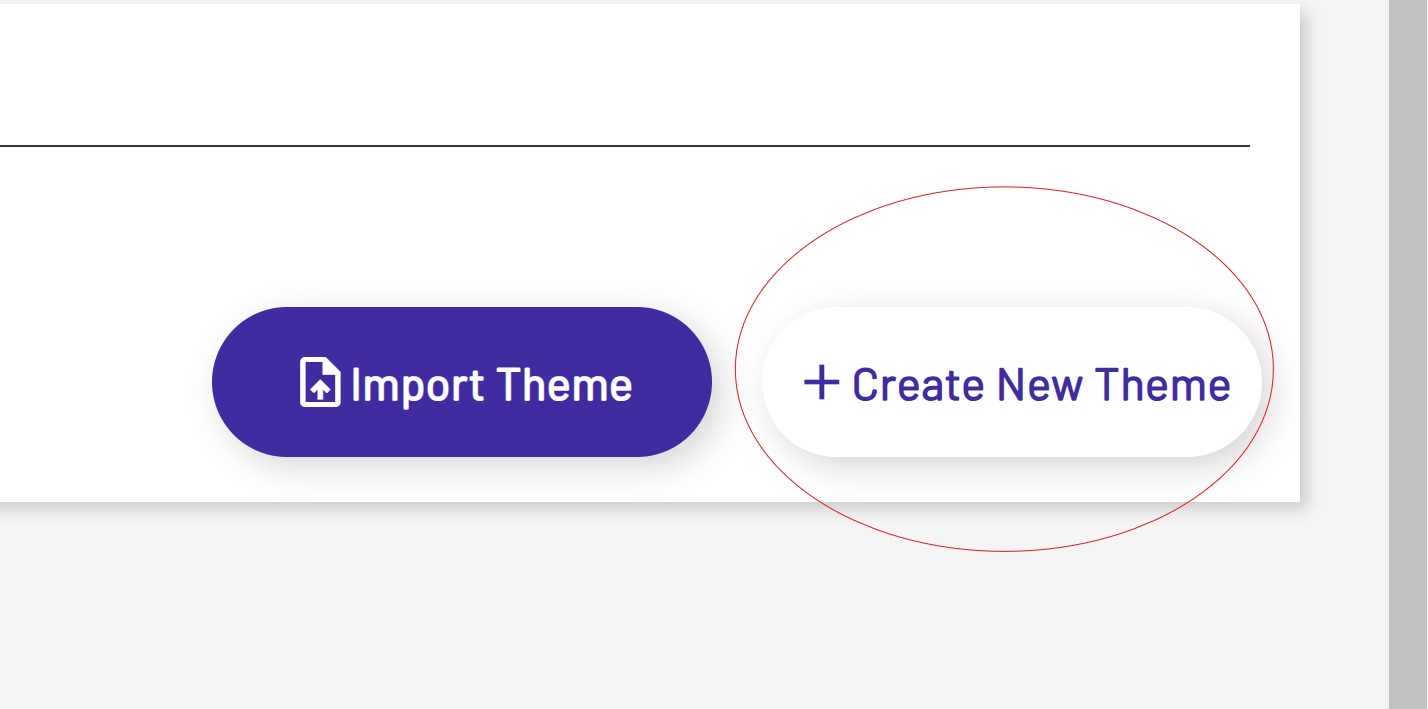
After clicking the create new theme button, the user will be prompted to enter a name for theme and the theme designer will pop up. A list of all controls available for theming and the diagram container can be found in the screenshot below.
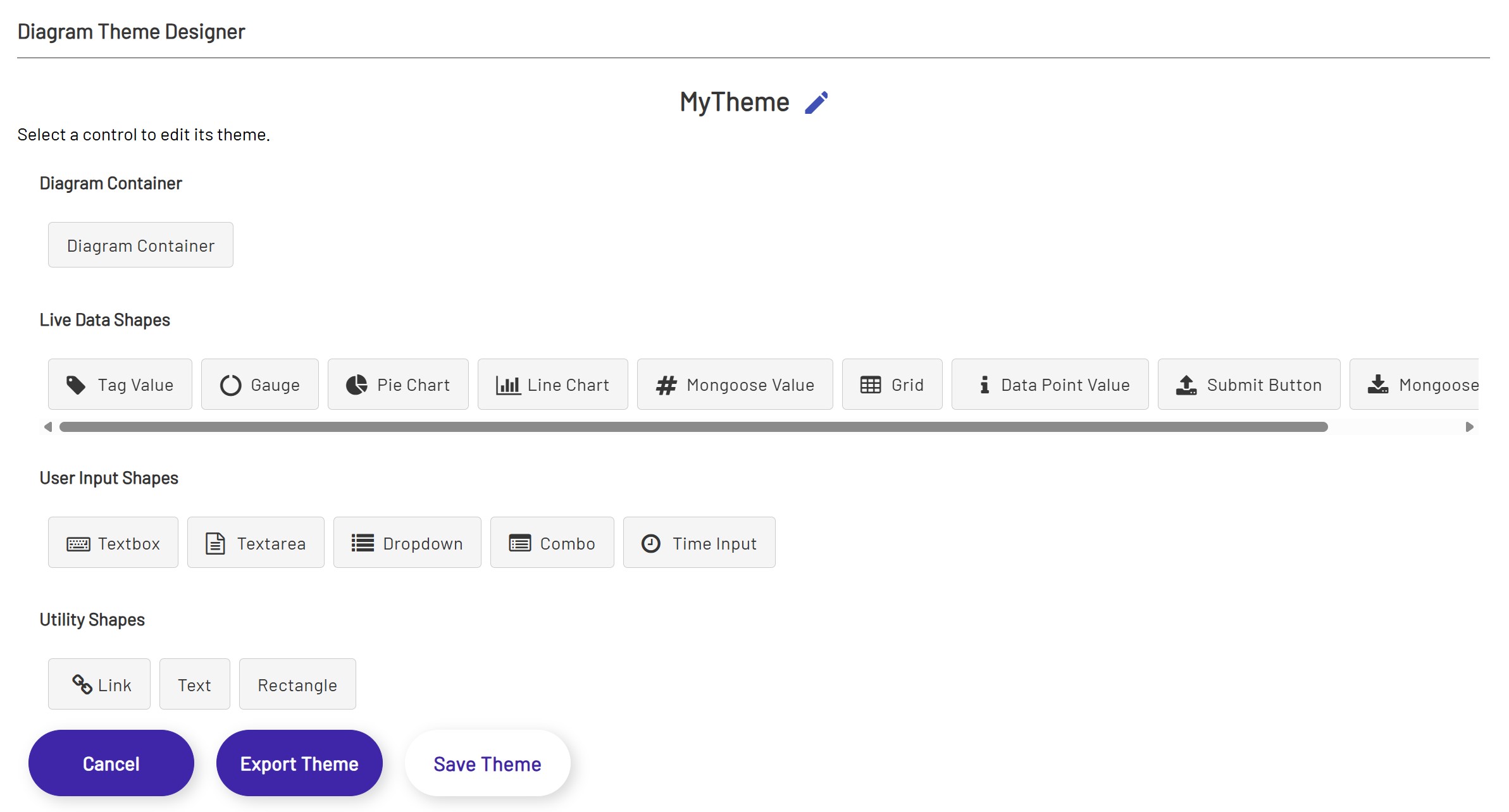
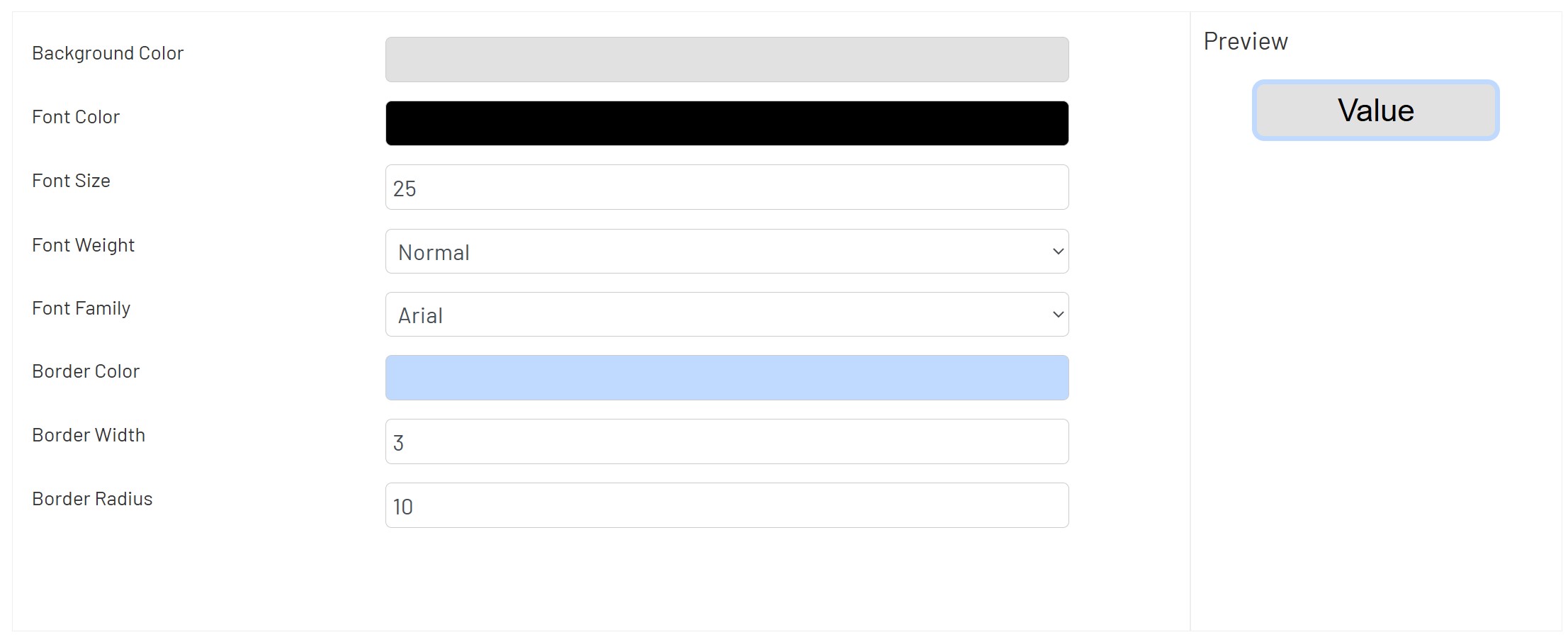
To edit a Theme for a control, select the desired control from the listed controls from any of the horizontal scrollbars. Upon selecting the theme the user will be prompted to enter the properties and they can sample the control they are editing in the preview view. The preview view will show the modifications the user is making to the control in real time.
The user can make as many edits to the existing theme, making edits to different controls as they please. Upon completing the edits, the user can select 'Save Theme' and all the edits will be saved. The user can then come back to the theme by navigating back to the initial page and selecting an existing theme from the dropdown.