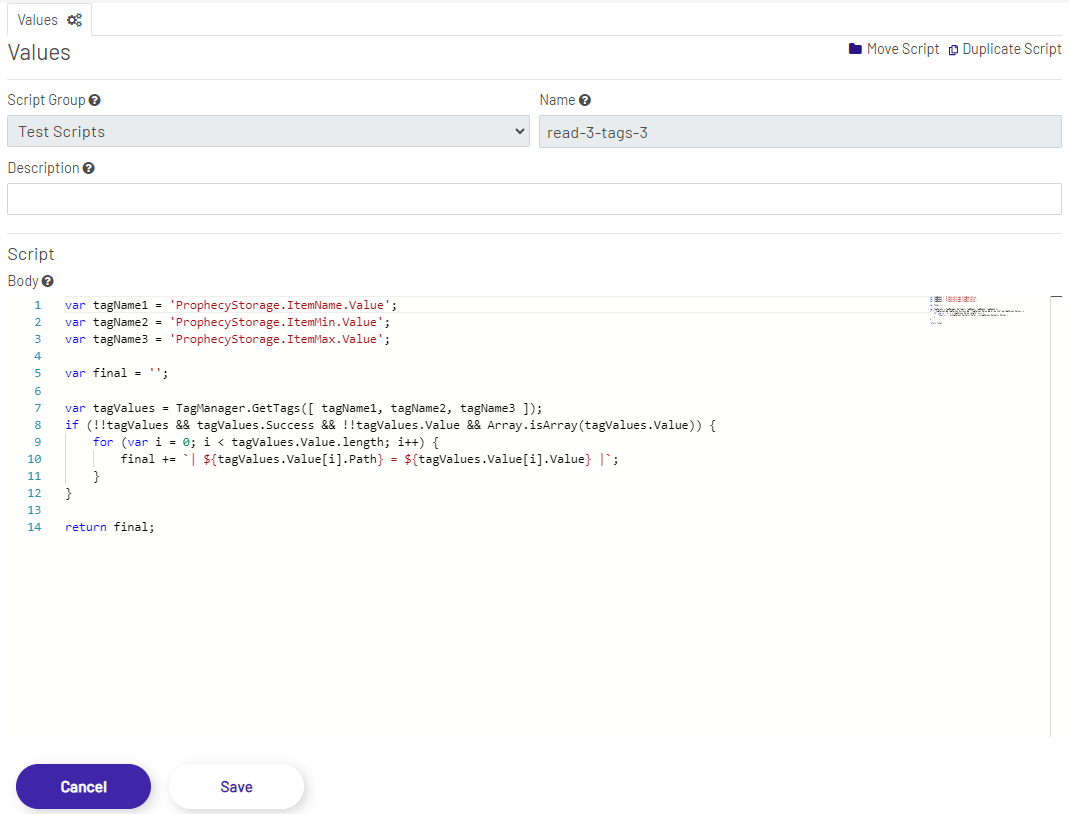
The Script Manager helps users organize and manage scripts that can be used across the system. Current usage is limited to Script Tags, but may be extended to all extensible areas of the application for automation, data transformation, dynamic shape and value manipulation, etc in a future release. The Script Manager feature provides a way to write the body of large and/or reusable scripts so that the contents do not have to be repeated in each Script Tag, and offers a centralized location to author, control, and manage the code.
The Script Manager is constructed of the main areas below.
- Top Menu Bar: The Top Menu Bar is where the functions to Add Scripts, Add Groups, Select Scripts To Delete is located.

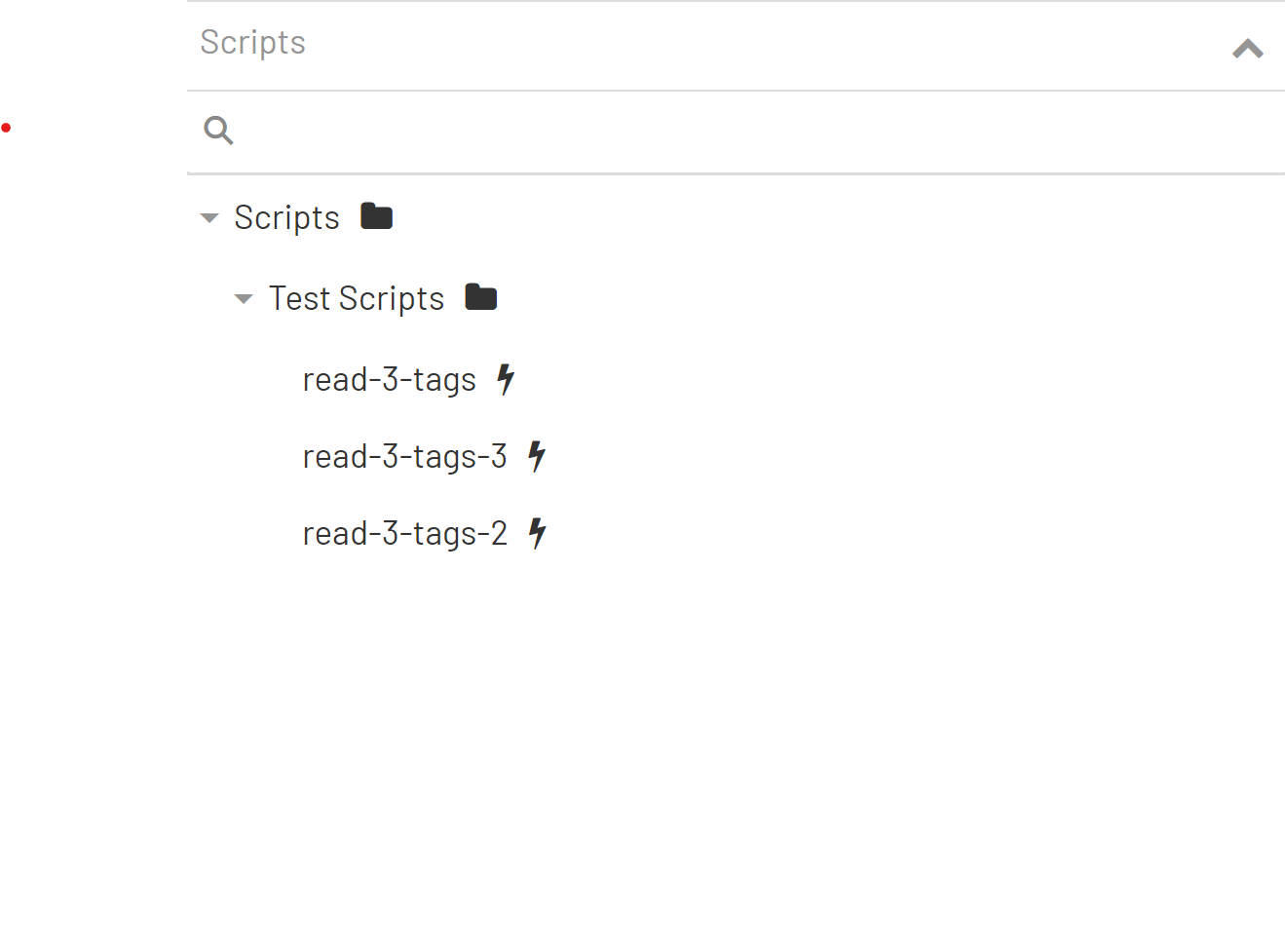
- Scripts Tree: The Scripts Tree is a graphical representation of the grouping and sub-grouping of all the scripts in your installation.
- Script Editor: The Script Editor contains all the fields that can be set for a script in Prophecy. Script Group and Name are mandatory fields while the description is optional. The body is the code/logic of the script and provides a rich editor as an IDE. This mini-IDE provides line numbers on the left and a preview on the right, as well as JavaScript intellisense and autocomplete capabilities. Scripts need to be written in JavaScript that gets the execution context passed into it, and the execution host exposes a collection global objects as utilities, to be used inside any script.