Overview
The Diagram Theme Designer can be accessed from the admin section of Prophecy.
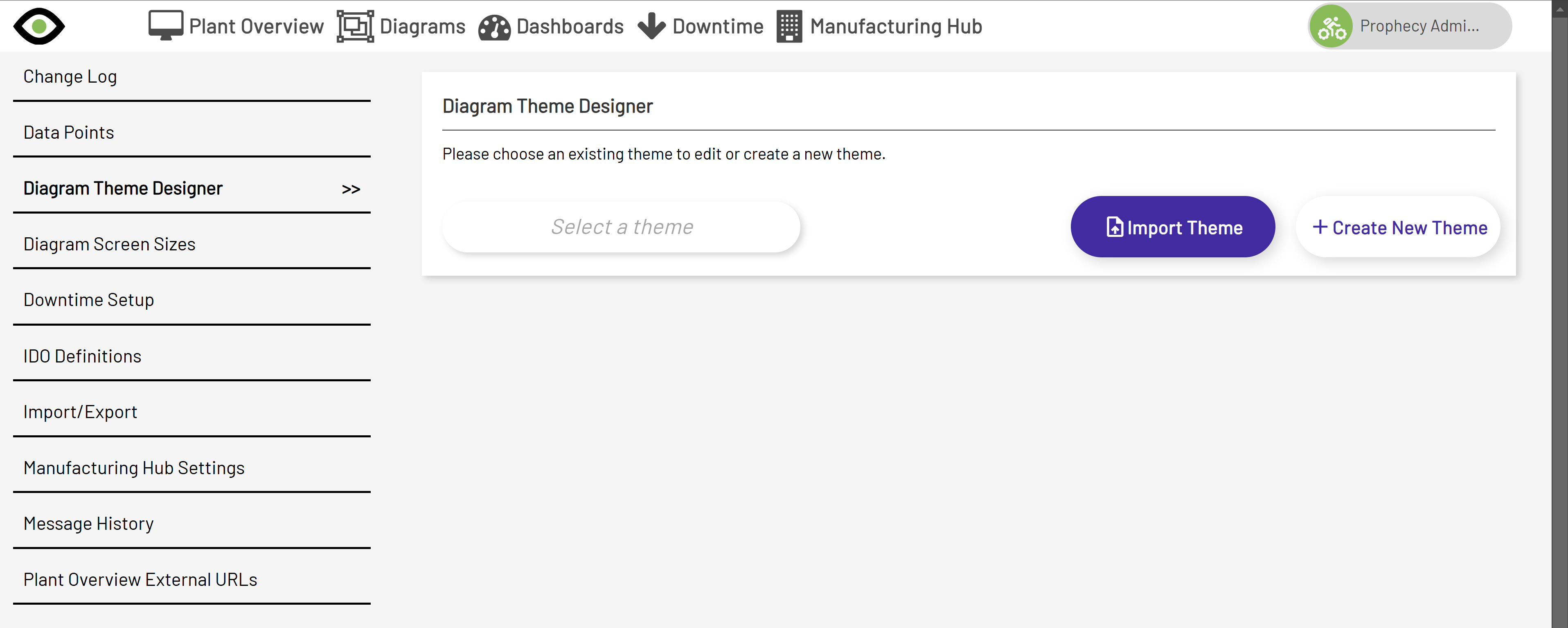 .
.
Using the theme designer, a Prophecy user can customize the styling of controls used within Diagrams. This is a very powerful tool as it saves a lot of time when providing default styling to controls and can be used before creating a diagram or when modifying an existing diagram, to automatically apply theming.
Create New Theme Section
Instructions on how to create a new theme can be found here.
Import/Export Theme
Instructions on how to to import/export a theme can be found here.
Use Theme In Diagrams
Instructions on how to use themes in Diagrams can be found here.